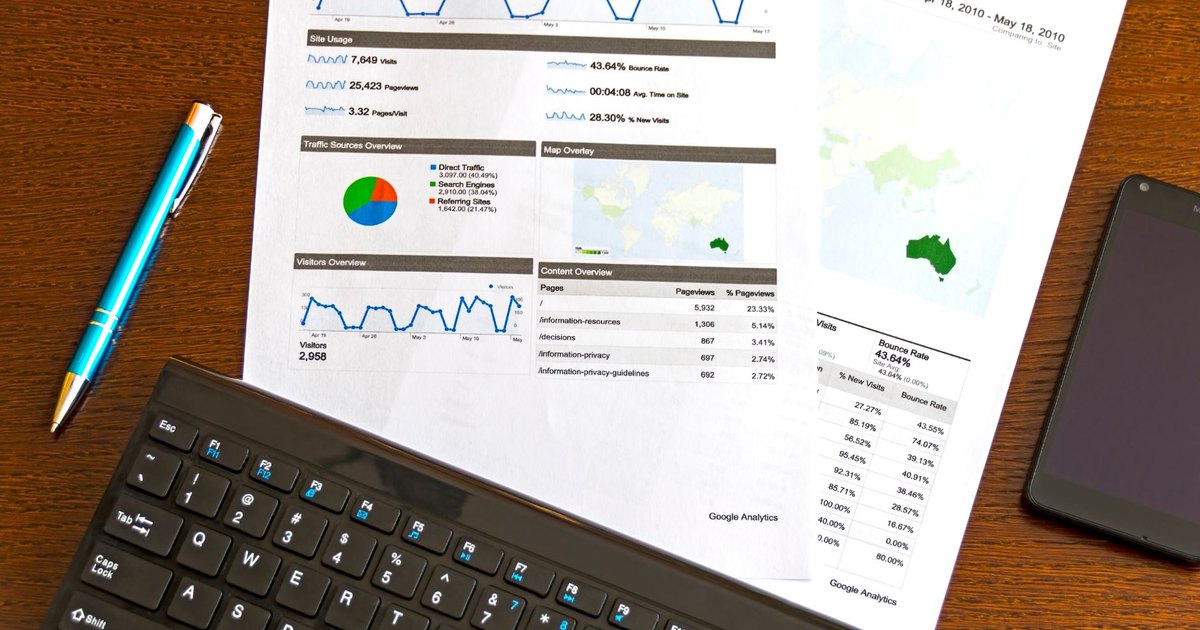
Creating presentations is among the most common work tasks. The average worker spends over 8 hours per month on them, including finding designs, writing content, and adjusting appearance. That's time you could spend on truly important things.
AI presentation tools radically change this. With the right approach, the question shifts from "How do I make this presentation?" to "Which tool should I use to create it for me?" In this article, I'll show you how to get a professionally-looking presentation using AI in 15 minutes.
Key Stats:
- 60–70% less time needed with AI tools
- 65% of people learn primarily visually
- <5 min average time to create a presentation in Gamma
Why Use AI for Presentations?
Before diving into specific tools, let's clarify why AI should be your first choice.
Time is Money
Traditional presentation creation requires several steps: defining content, selecting design, finding suitable images, working on color and font consistency. With AI tools, all these steps are parallelized or skipped entirely. Result? Instead of 2–3 hours, you need 15 minutes.
Consistency and Professionalism Without Design Skills
If you're not a designer, creating a consistent design is an overwhelming task. AI tools have built-in design systems that automatically ensure all slides look professional and cohesive. No messy layouts, no amateur appearance.
Customization in Seconds
Your boss wants to change the logo color? In AI tools, one command and all slides update. In traditional PowerPoint, this means manually going through all 20 slides.
The Best AI Presentation Tools in 2026
| Tool | Price | Best For | Quality Rating |
|---|---|---|---|
| Gamma | Free / $8–15/mo | Fast creation, flexible cards | ⭐⭐⭐⭐⭐ |
| Beautiful.ai | ~$12/mo | Business presentations, brand consistency | ⭐⭐⭐⭐⭐ |
| Canva AI | Free / $30/mo | Simple creation, templates | ⭐⭐⭐⭐ |
| SlidesAI | Free (3/mo) / Paid | Google Slides integration | ⭐⭐⭐⭐ |
| Tome | Free / $10/mo | AI storytelling, interactive content | ⭐⭐⭐⭐ |
| Microsoft Copilot (PowerPoint) | $30/user/month | Enterprise, ecosystem integration | ⭐⭐⭐⭐ |
Our tip to start: If you want to create presentations completely free, try Gamma (no payment required) or Canva (freemium model). Both tools have full Czech language support and results are immediately usable.
Practical Guide: From Idea to Finished Presentation in 15 Minutes
Let me walk you through the specific steps. I'll demonstrate using Gamma, the fastest tool on the market:
Step 1: Prepare Your Text (2 minutes)
You don't need to write complete content. Just a list of points you want to cover:
- Product introduction
- Three main benefits
- Use cases
- Pricing and packages
- Call to action
Gamma will generate content from this outline. If you're more specific (write actual sentences instead of just titles), AI will create a more precise presentation.
Step 2: Insert Content into AI (1 minute)
Sign into Gamma.app and click "Create new." Select "Presentation" and either:
- Paste text: Insert your content or outline
- Start from scratch: Enter a prompt (e.g., "Professional product presentation for a project management app")
- Upload file: Upload a Word document or PDF if you have one
Gamma automatically analyzes everything and creates the first draft.
Step 3: Choose Design and Colors (2 minutes)
Once content is generated, Gamma offers several design variants. Click the one you like. Then you can adjust:
- Colors: Select a palette or enter your brand's hex codes
- Font: Choose a style matching your brand
- Layout: Change whether you want classic slides or more flexible cards
Step 4: Add Images and Icons (5 minutes)
Gamma has an integrated image library. Click on each slide and add visual content. AI suggests relevant images based on the text. Choose from:
- Stock photos: Unsplash, Pexels, your own photos
- Icons: Hundreds of vector icons for various topics
- Charts: If you have data, Gamma automatically creates charts
Step 5: Fine-tuning and Export (4 minutes)
Go through all slides and make minor adjustments:
- Fix text (typos, accuracy)
- Move or delete slides you don't like
- Add speaker notes under slides
Once satisfied, export in PDF, PowerPoint, or PPTX format (for further edits).
💡 Pro Tip: Prompt Crafting
For fastest results, give Gamma a very specific prompt. Instead of "Marketing presentation," try "Marketing presentation for B2B SaaS products, including ROI calculator, three case studies, and three-tier pricing model." AI will have clarity and create a better-targeted presentation.
Tips for Better AI Presentations
1. The Art of Good Prompts
AI is only as good as your instruction. Instead of vague "create a presentation," try:
Good prompt: "Create a professional product presentation for a fintech startup. Focus on problems we solve (slow international transfers), our solution (blockchain), and competitive advantage. Colors: blue and white. 10–12 slides."
2. The 80/20 Principle
Don't let AI create 100% of the presentation. It should create 80%, you the rest. Add:
- Your logo and branding on the title slide
- Real data and numbers from your company
- Your unique case studies or customer testimonials
- Specific CTAs (calls to action) tailored to your audience
3. Customization Over Template Overuse
AI tools offer many templates. Don't fall into the trap of using default designs. Spend 2 minutes customizing colors and fonts to match your brand. This makes the presentation feel original, not like another AI-generated deck.
What to Watch Out For
- Generic images: Stock photos make presentations look generic. Mix in your own photos or better-quality images
- Over-reliance on AI text: Always edit AI-generated copy. It can be repetitive or not perfectly match your voice
- Inconsistent messaging: Make sure the narrative flows logically across slides. AI sometimes generates good individual slides but weak transitions
- Ignoring mobile view: Preview your presentation on mobile. Some slides may not render well on smaller screens
Common Mistakes to Avoid
- Too many slides — Aim for 10–15 slides, not 40. AI sometimes overdoes it
- Too much text per slide — The rule remains: max 5–6 lines per slide
- Cluttered visuals — Don't fill every slide with images. Some slides benefit from breathing room
- Forgetting to proofread — AI isn't perfect. Always review for typos, factual errors, and brand consistency
The Bottom Line
AI presentation tools aren't about replacing designers. They're about giving you back time to focus on what really matters: your message and how you deliver it.
In 2026, there's no reason to spend 3 hours on a presentation that could be done in 15 minutes. The tools are free or cheap, they work well, and your audience won't be able to tell the difference.
Start with Gamma or Canva today. Your next presentation might be your best one yet.
Ready to Stop Spending Hours on Presentations?
Presentations don't have to be time-sinks anymore. The right AI tool + the right process = professional-looking decks in minutes instead of hours.
At White Veil Industries, we help teams and companies build presentation workflows powered by AI. From template creation to automated content generation to consistency across hundreds of decks—we've worked through the hard problems.
Book a Discovery Call → and let's talk about how to reclaim the hours you waste on presentation design.